What's New in the Interview Room: Screen Share, Recording, and Playback
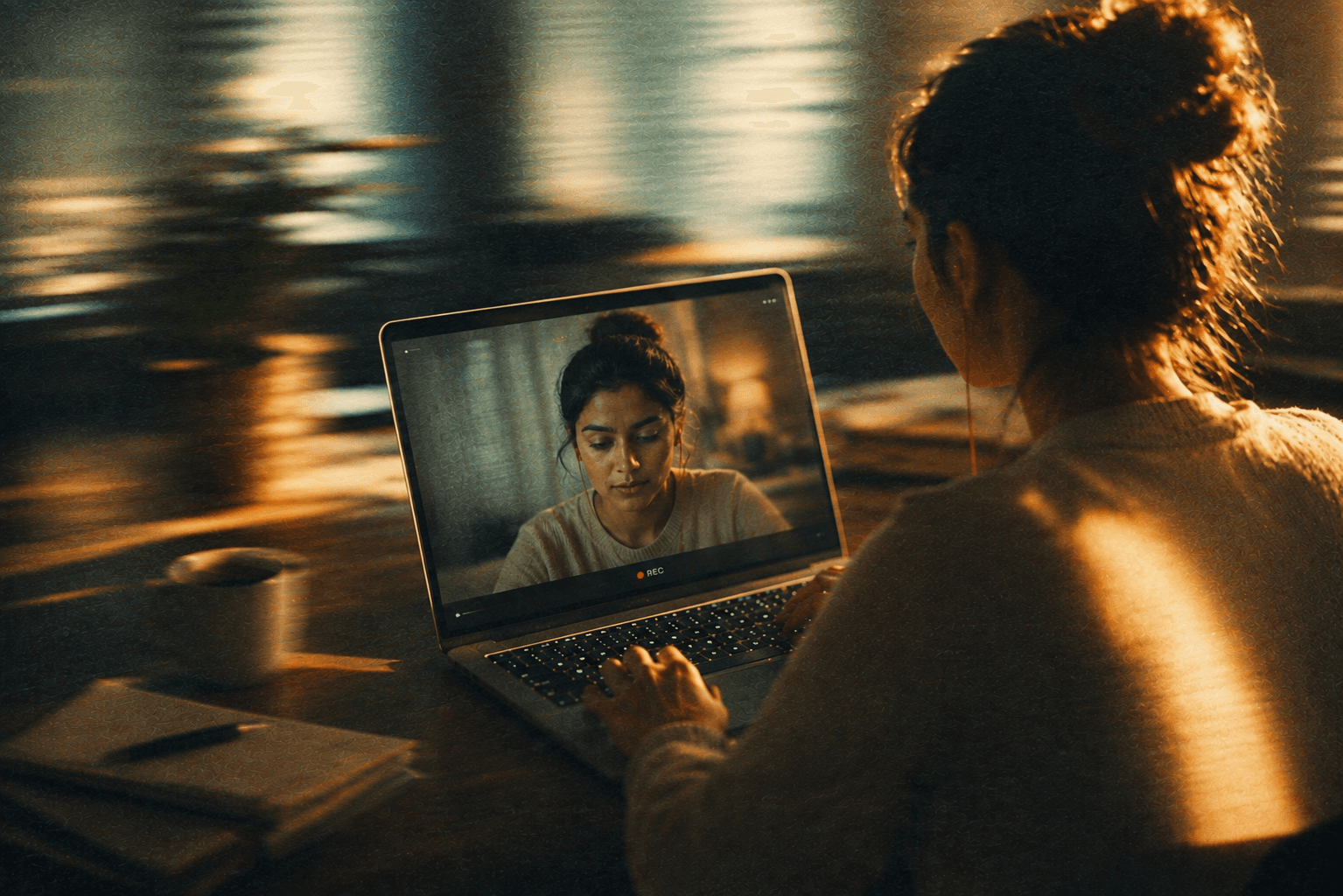
Ask any hiring team what's missing from AI interview tools, and you'll hear a version of the same answer: the score tells you what happened, but not why. A transcript helps, but it's still just words on a page — it doesn't show you the moment a candidate hesitated, the tab switch that preceded a suspiciously polished answer, or the screen they were sharing while walking through a live example.
That gap is what this update closes. Here's what's new in the Serin interview room.
Recording, now built for review — not just for the record
Every Serin interview has always been recorded for the hiring team's reference. What's changed is how usable that recording actually is once the interview ends. Recordings are now organized and attached directly to the candidate's session, sitting right alongside the transcript and scorecard instead of living somewhere separate that nobody quite got around to opening.
Screen share, when a role calls for it
For roles where an organization wants candidates to share their screen — walking through a portfolio, a live coding exercise, a design file — that's still an opt-in setting per job, exactly as it's always been. What's new is that when screen share is on, it's now captured with the same care as the main interview recording: clearly, reliably, and ready to review without any extra setup on the hiring team's side.
Playback that meets you where you already are
This is the piece we're most excited about. Reviewers can now watch the recording back directly from the same screen where they already read the transcript and check the scorecard — no separate tool, no hunting for a file, no context switching. If a scorecard note or an integrity flag raises a question, the answer is one click away instead of a follow-up request to someone else on the team.
Why we shipped this
We built Serin to make first-round interviews faster without making them feel like a black box. A number on a scorecard is only trustworthy if a hiring manager can see the moment behind it whenever they want to. That's true for a great answer worth fast-tracking, and it's just as true for a flagged session that deserves a second look before anyone makes a call.
This update doesn't change what Serin evaluates or how. It changes how much of the real interview a hiring team can actually see afterward — which is, in the end, the whole point of recording it in the first place.
Full setup details and configuration options are in our documentation at docs.serin-ai.com.
Frequently asked questions
Commonly asked questions about this topic.
Is screen share required for every interview now?
No. It's still an opt-in setting an organization chooses per job, same as before — this update is about what happens with the recording once it exists, not about turning screen share on by default.
Can candidates tell when they're being recorded?
Yes. Recording is disclosed before the interview starts, same as it always has been — nothing about this update changes what candidates are told or shown.
Who can watch a session's recording?
Playback is available to the hiring team reviewing that candidate's application, in the same place they already view the transcript and scorecard.
Where can I read the technical details?
We've kept this post to the "what" and "why" on purpose. For setup steps and configuration details, head to our documentation at docs.serin-ai.com.
Serin Team
Product & Research
The Serin team builds AI interview tooling for hiring teams who want speed without sacrificing fairness or candidate experience.
.png&w=3840&q=75)
.png&w=3840&q=75)
%2520(2).png&w=3840&q=75)